Feature
List Extraction
Turn any prospect search or list into a HubSpot-ready batch. Import a whole list in one click - fields mapped, duplicates handled.
The challenge
Your prospect lists are stuck in a silo.
You curate prospect lists in your search tool, then spend an afternoon copying them into HubSpot one at a time. List Extraction pushes an entire list to your CRM in one operation - fields mapped, duplicates caught.
Before LeadLx
Tab 1 - Sales Nav: 200 results
Tab 2 - HubSpot: Create contact (×200)
Tab 3 - CSV export → dedupe
4 hours per saved search →
List Extraction
How it works
leadlx.com · Extension
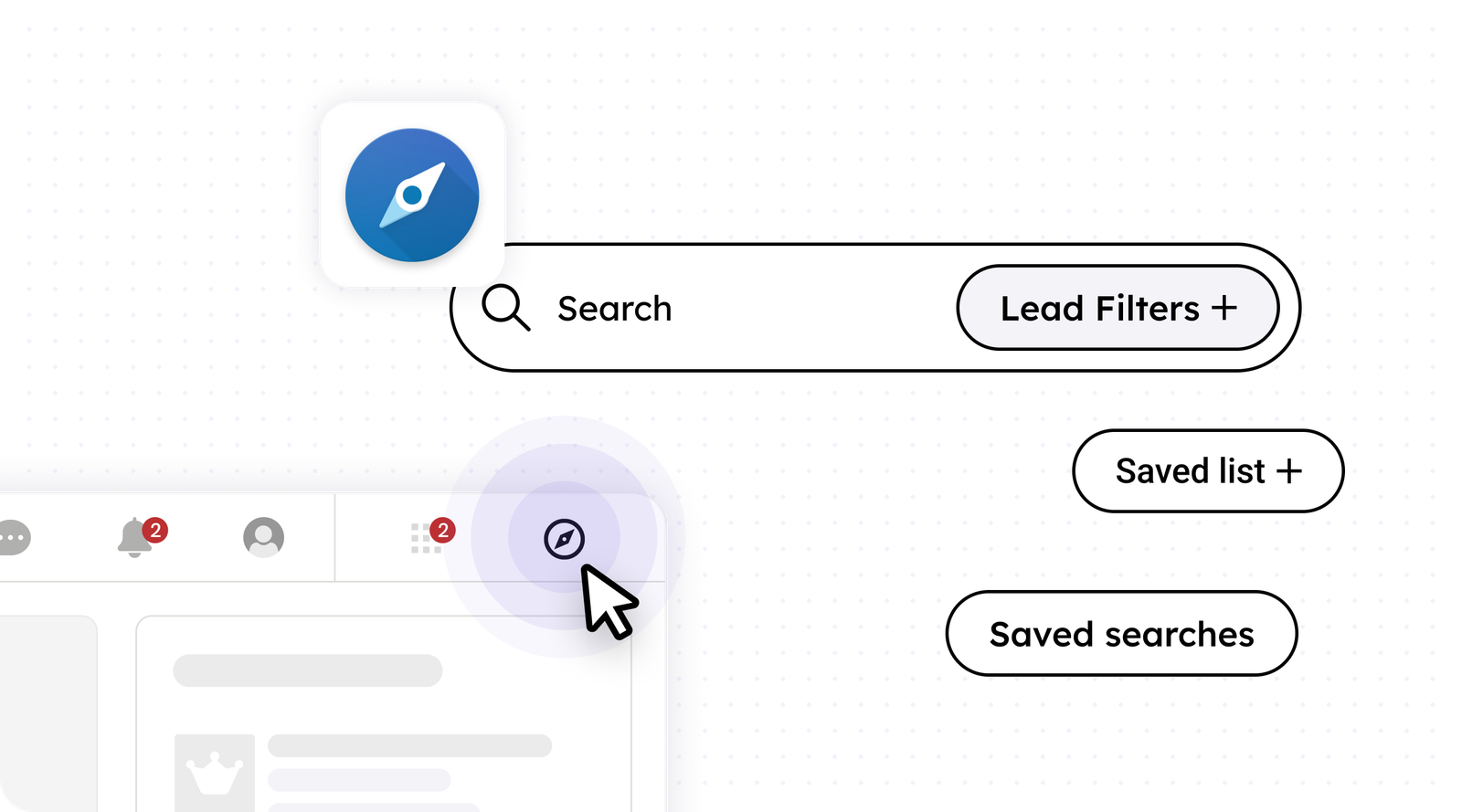
Run a prospect search
Start by running a prospect search - filters, saved searches, or a saved list.
Key benefits
From a prospect list to HubSpot in seconds.
- Import from saved searches, lists, and filter results
- Batch import with automatic field mapping
- Deduplication against existing HubSpot records
- List context preserved on every record