Feature
Contact Import
One click to push any prospect profile into HubSpot. Fields mapped, deduped against your CRM, no copy-paste.
The challenge
Manual CRM entry is eating your selling time.
Reps spend 30+ minutes a day copying prospect details into HubSpot. Contact Import replaces that whole workflow with one click, so your team spends the afternoon in conversations, not fields.
Before LeadLx
Tab 1 - prospect profile
Tab 2 - HubSpot: Create contact
Tab 3 - spreadsheet.csv
45 minutes to import 30 contacts →
Import Contacts
How it works
leadlx.com · Extension
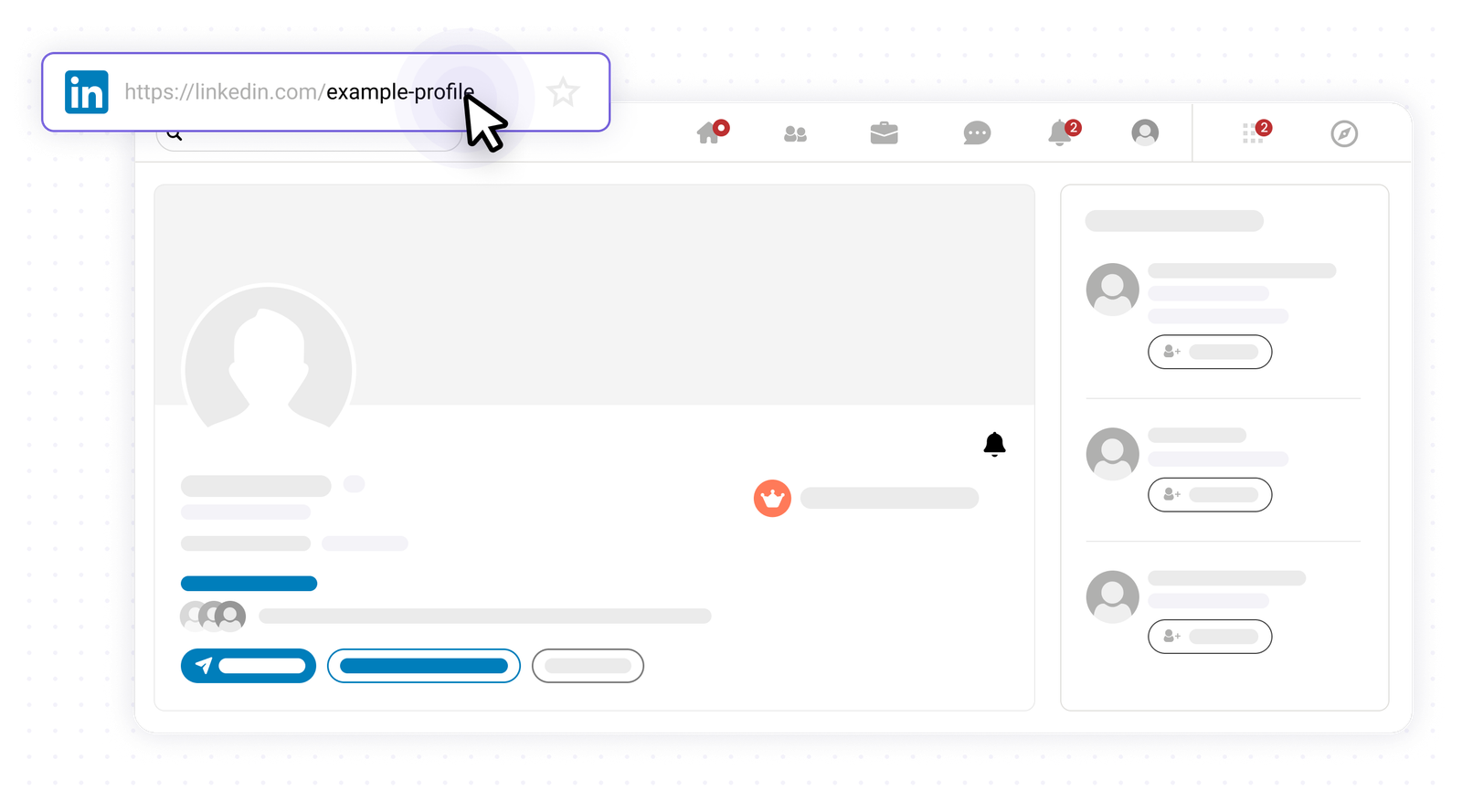
Open any prospect profile
Navigate to any prospect profile on the web - company pages, social platforms, anywhere your reps already look.
Key benefits
Import smarter, not harder.
- One-click import from any website
- Automatic duplicate detection against HubSpot
- Fields mapped to HubSpot properties, in the right format
- Source URL preserved on every record