Feature
Company Import
Pull full company data from any company page straight into HubSpot. Build your target account list without the research tax.
The challenge
Building account lists by hand is a waste of your rep's day.
Researching a company, cross-checking the website, pasting industry and size into HubSpot - that's a multi-step, error-prone process. Company Import collapses it into one click and pulls industry, size, headquarters, and website automatically.
Before LeadLx
Tab 1 - company website
Tab 2 - Crunchbase: industry, size, funding
Tab 3 - HubSpot: Create company
20 minutes per account researched →
Company Import
How it works
leadlx.com · Extension
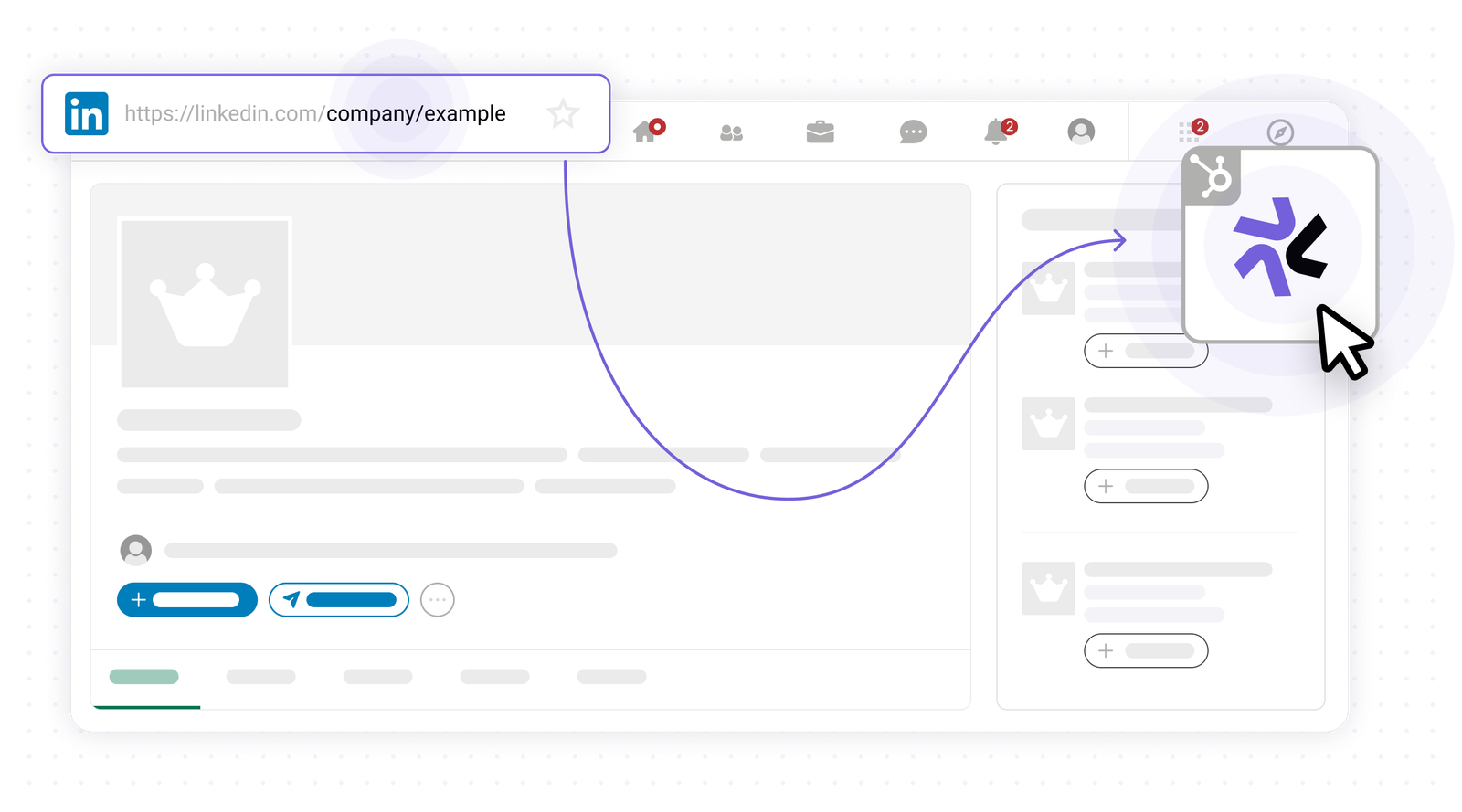
Open the company page
Navigate to any company page on the web and click the Leadlx icon to open the sidepanel.
Key benefits
Build target account lists in minutes.
- Import company data from any company page
- Auto-map industry, size, and location
- Detect existing company records in HubSpot
- Target account lists built in minutes, not hours