Feature
Buying Committee
Stop talking to one person when five people decide. Map every decision-maker at any account - role, confidence score, and the gaps you haven't reached yet.
The challenge
You're losing deals because you don't know who decides.
Your rep has a great champion. The CFO has never heard of you. The deal dies when it goes up the chain. Buying Committee maps every stakeholder at an account - with role classification and confidence scores - so your team knows exactly who to bring in and where to focus.
Before LeadLx
Tab 1 - LinkedIn: org chart hunt
Tab 2 - HubSpot deal: 1 contact
Tab 3 - Slack: "any intro to the CFO?"
Deal stalled - CFO never looped in →
Buying Committee
How it works
leadlx.com · Extension
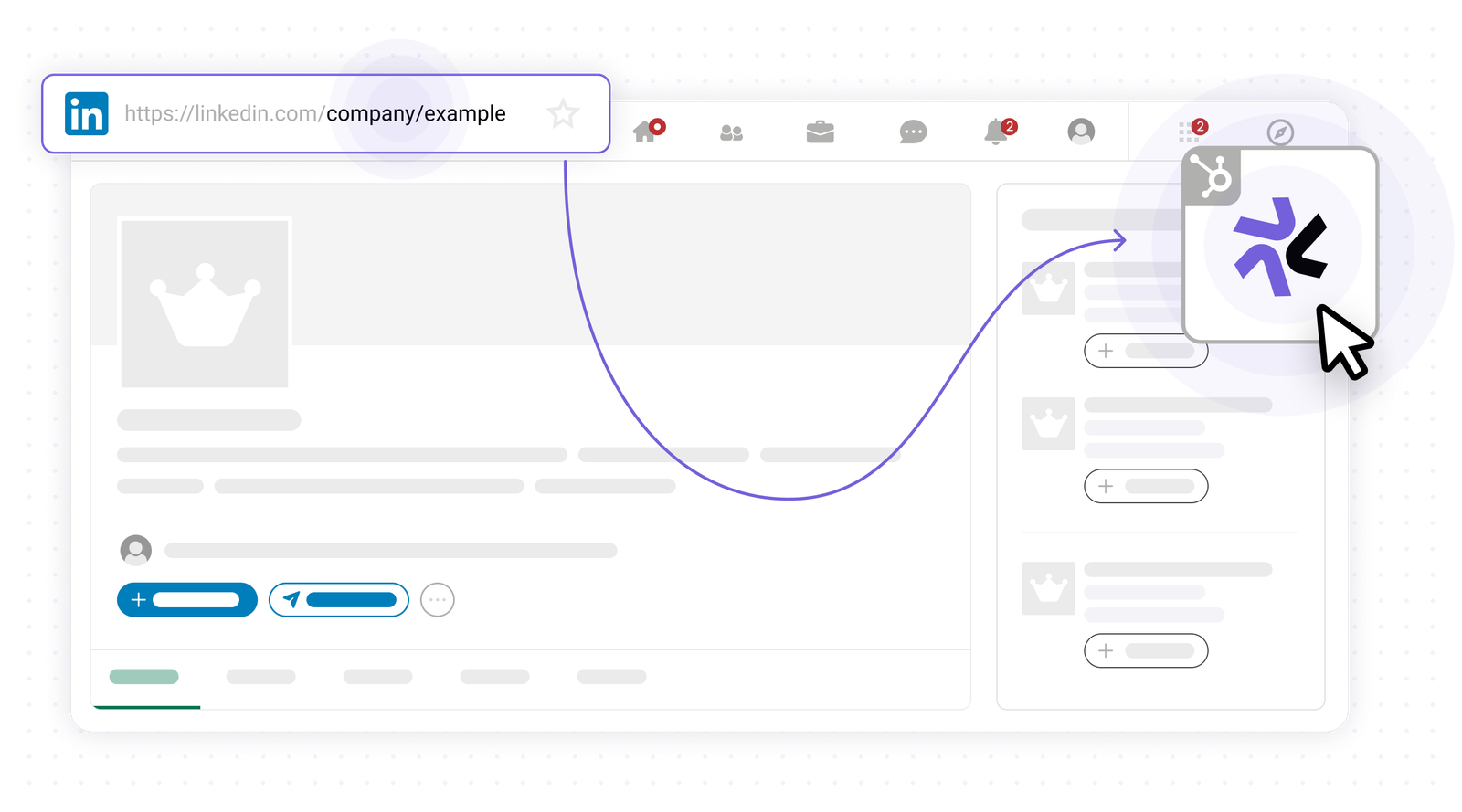
Open any company page
Navigate to any company page on the web to start mapping the buying committee.
Key benefits
See the full picture before you reach out.
- Every decision-maker at an account, mapped by role
- Role classification with confidence scores
- Gap detection - the stakeholders you haven't reached
- Adjust and curate the committee before saving
- Full committee synced to HubSpot